Privacy Policy
Last updated: October 2, 2026
The short version
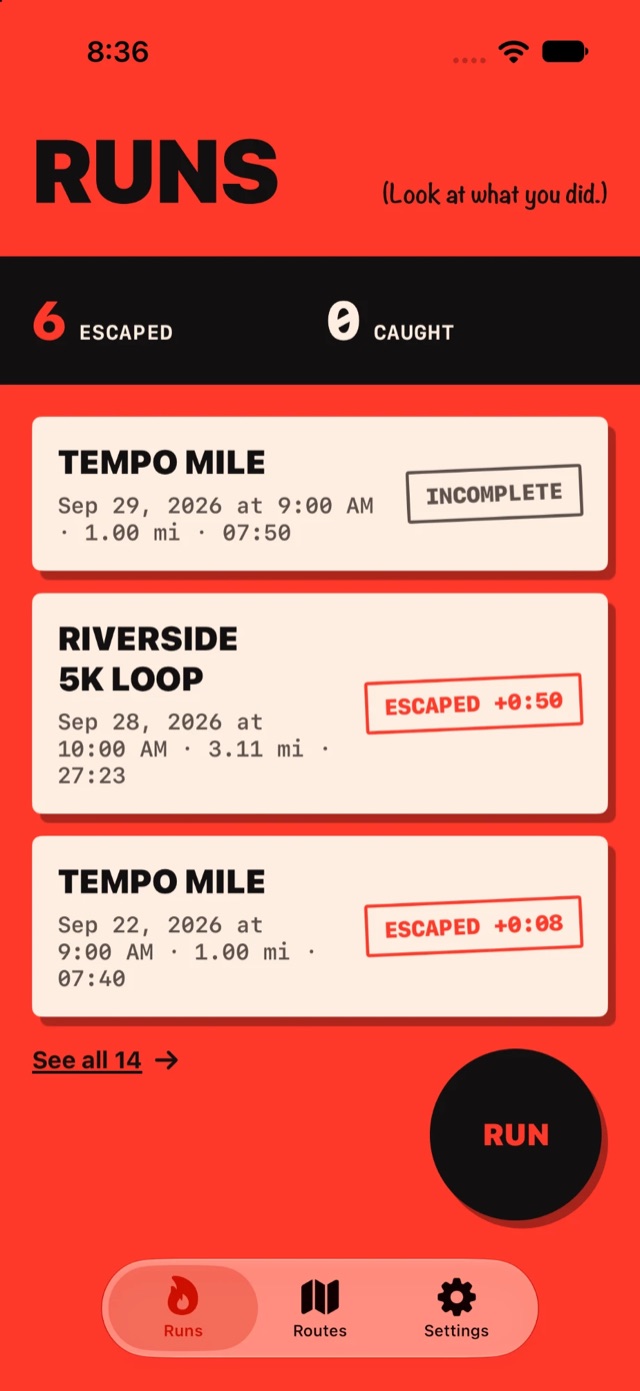
Run From Your Past doesn't collect your data. We have no accounts, no servers, no analytics and no ads. Your runs are stored on your iPhone and only leave it when you choose to send them somewhere. The only outside requests are weather and map lookups made through Apple.
1. Who we are
Run From Your Past ("the app") is an iPhone app made by Bjorn Mann, an independent developer. This policy explains what the app does with information on your device. "We" and "us" refer to the developer.
2. What we collect
Nothing. The developer does not run any server for the app and does not receive, store, sell or share any of your personal information. The app contains no third-party analytics, advertising or tracking SDKs, and it does not track you across apps or websites.
3. Location
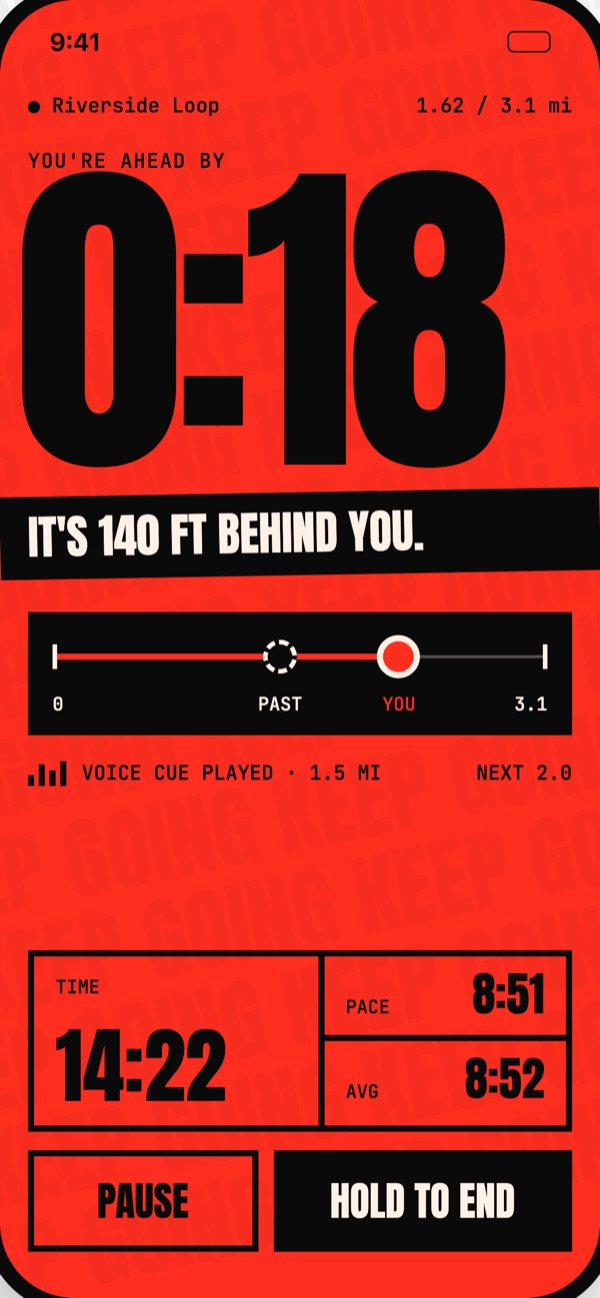
The app uses your location only while you are actively recording a run, so it can measure distance, pace and route and compare you to your past runs. While a run is in progress, location continues in the background and iOS shows its location indicator. When no run is being recorded, the app does not use your location.
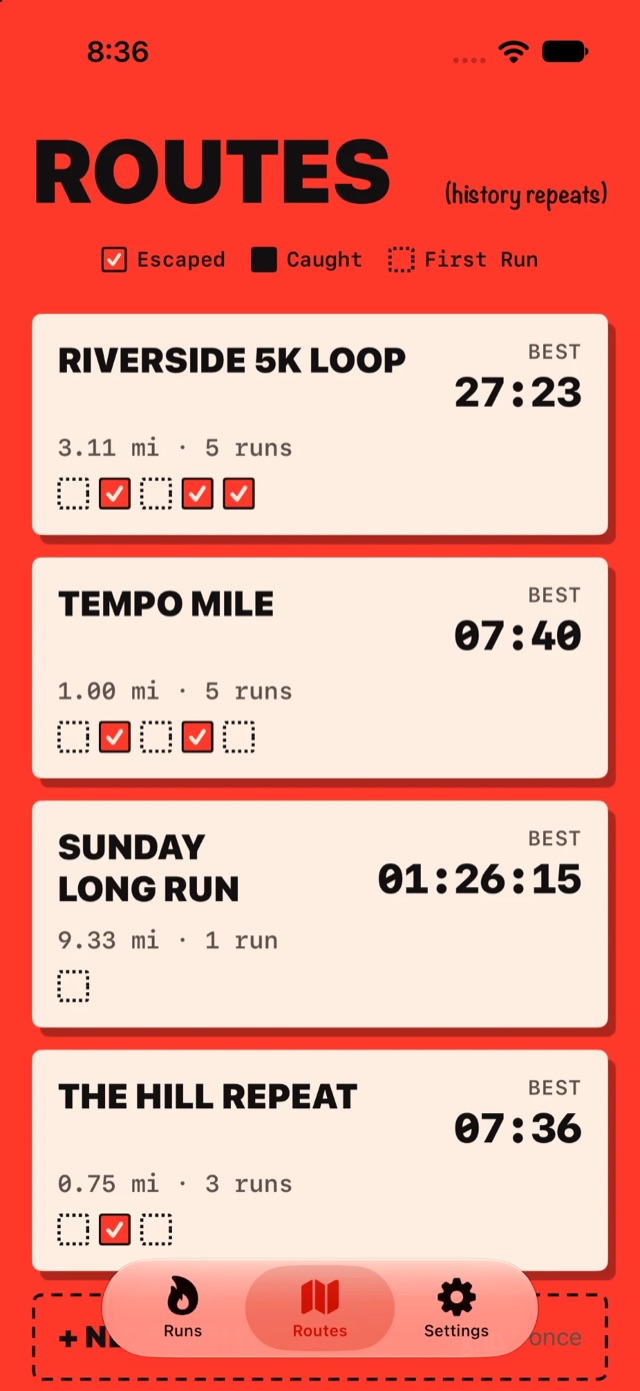
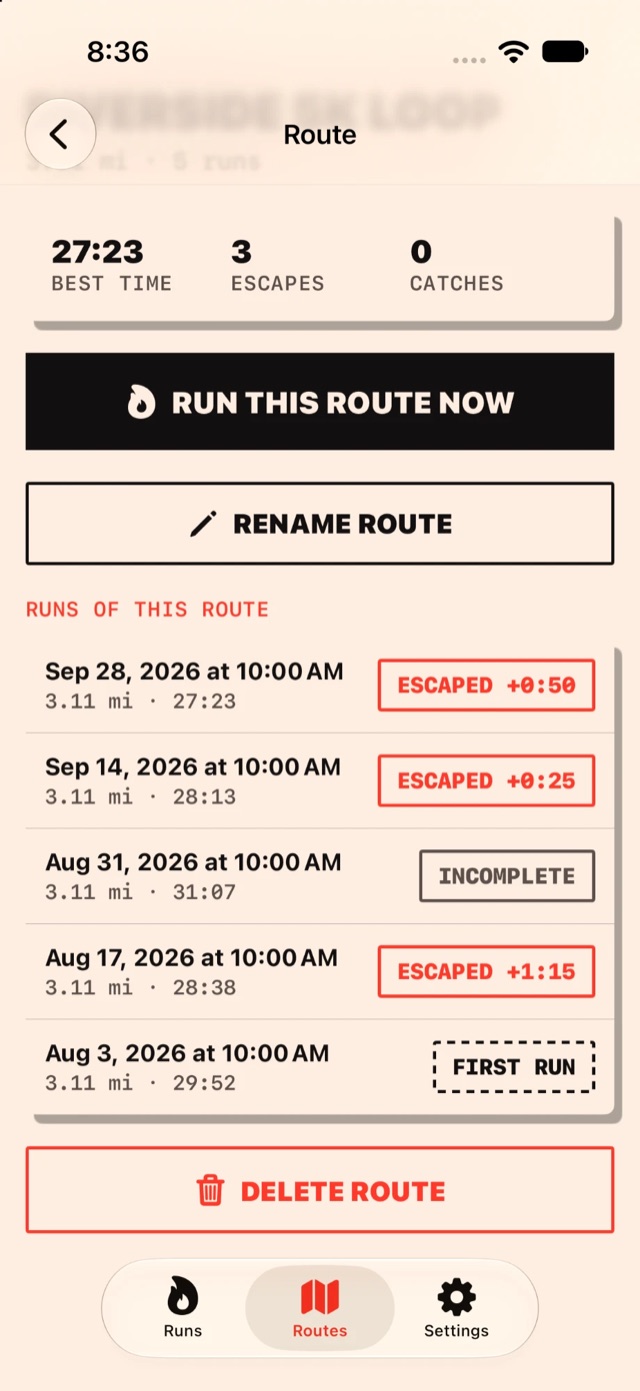
Recorded routes, runs, splits and settings are stored locally on your iPhone and are not uploaded to us.
4. Apple services the app uses
To provide some features, the app relies on Apple system services. These requests go to Apple, not to us, and are covered by Apple's Privacy Policy:
- Weather (WeatherKit). At the start and finish of a run, the app asks Apple's weather service for current conditions at that location, so it can show the weather on your run recap. Apple's weather service receives the location for that request only.
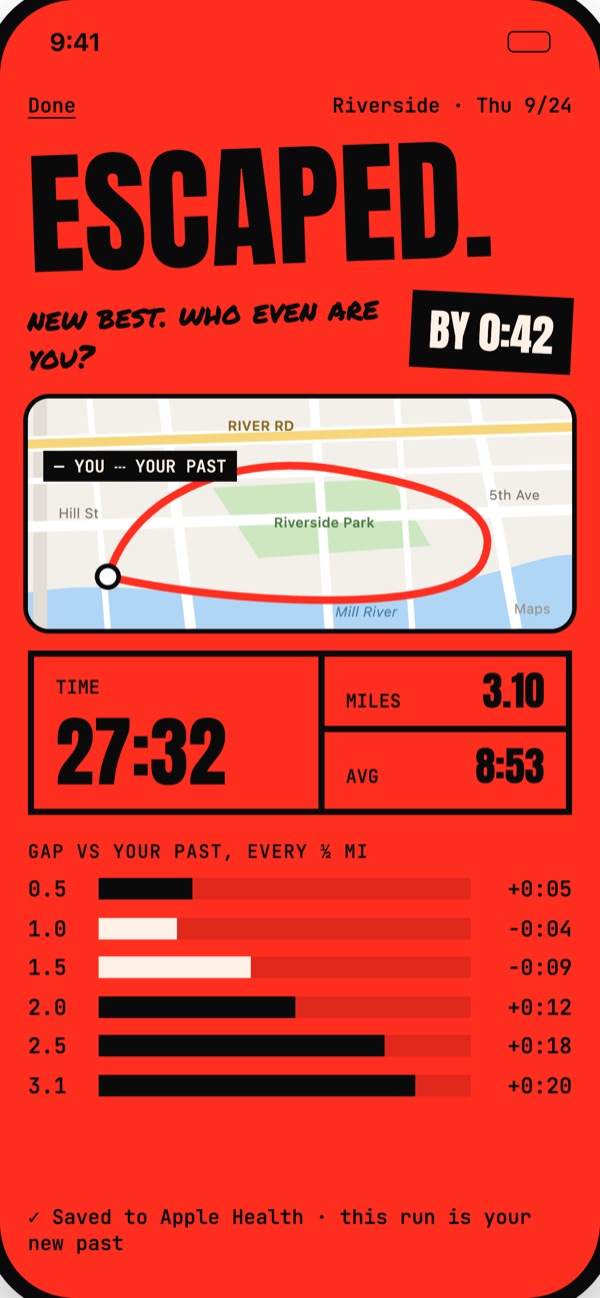
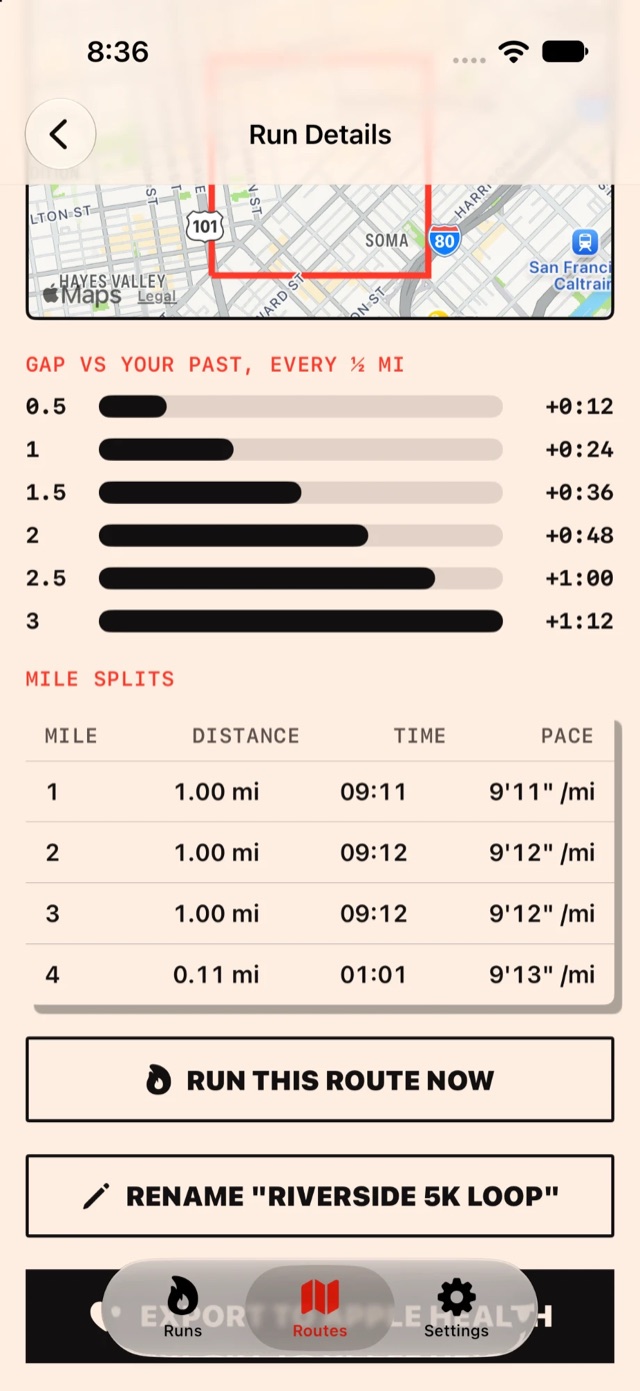
- Maps (MapKit). Route maps are drawn with Apple Maps, which loads map tiles for the area being shown.
- Apple Health (HealthKit). Optional. If you turn it on and grant permission, the app saves your runs to Apple Health as running workouts, with distance samples and route. It also asks for read access to workouts. Health data stays in Apple Health on your device and is never used for advertising or shared with us or anyone else. You can change these permissions any time in the Health app or iOS Settings.
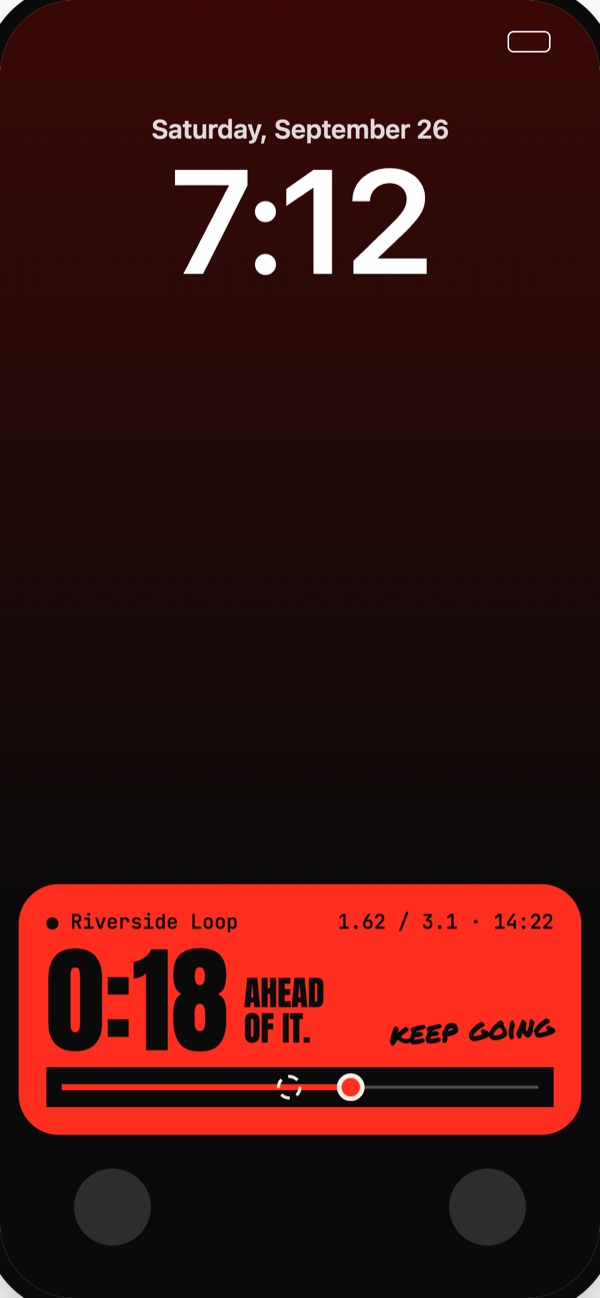
- Live Activities. While you run, progress appears on your Lock Screen and in the Dynamic Island. This is handled on device.
5. Files you import or export
You can import GPX or TCX files you choose, and export a run as a GPX file using the iOS share sheet. Imported files are read on your device. Exported files go only where you choose to send them, and whoever receives them (for example another app, or a person you message) handles them under their own terms.
6. Voice callouts & audio
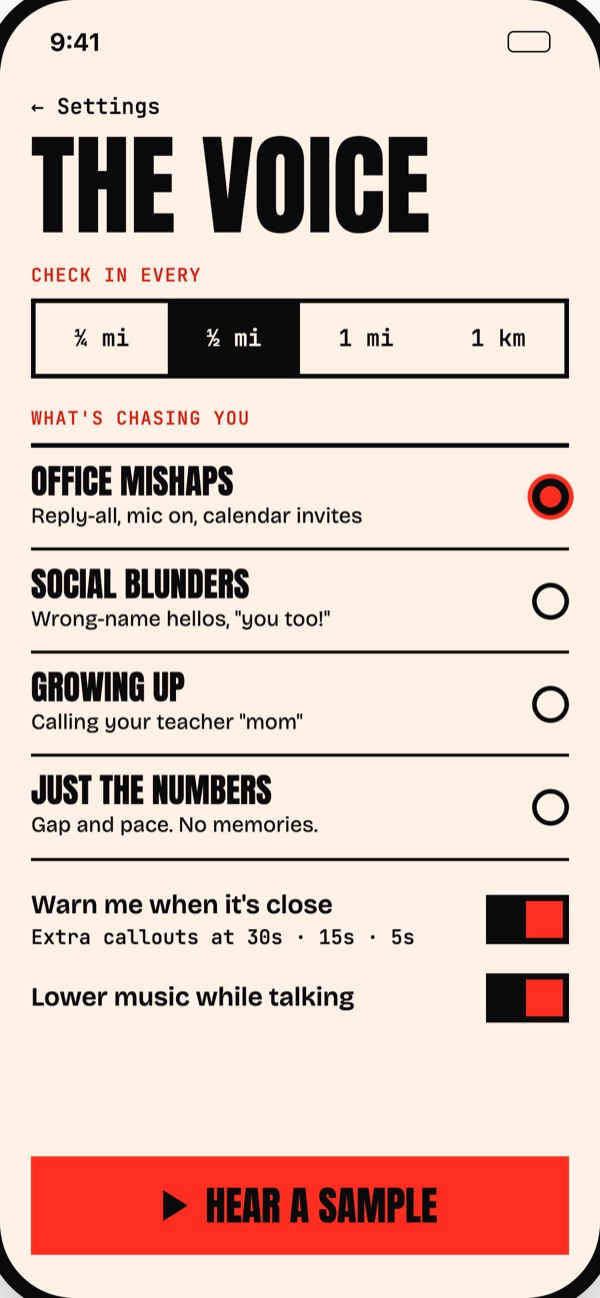
Voice callouts are generated on your iPhone. The app plays audio in the background during a run so callouts keep working with the screen off. It does not use the microphone.
7. Keeping and deleting your data
Your data stays on your iPhone until you delete it. You can delete individual runs inside the app, and deleting the app removes everything it stored. Runs you saved to Apple Health stay there until you remove them in the Health app. If your iPhone backs up to iCloud or a computer, app data may be included in that backup, which is managed by you and Apple.
8. Children
The app isn't directed at children under 13, and since it collects no personal information, it collects none from children either.
9. Changes to this policy
If the way the app handles information changes, this page will be updated and the date at the top will change. Significant changes will also be noted in the app's release notes.
10. Contact
Questions about privacy or the app? Email [email protected].